For teams
Answer your WhatsApp numbers together, without double replies.
Every person who writes to one of your numbers gets a conversation. Your team assigns it, replies, leaves internal notes, tags and resolves it, and everyone sees changes live.
app / Saffron Home / Inbox
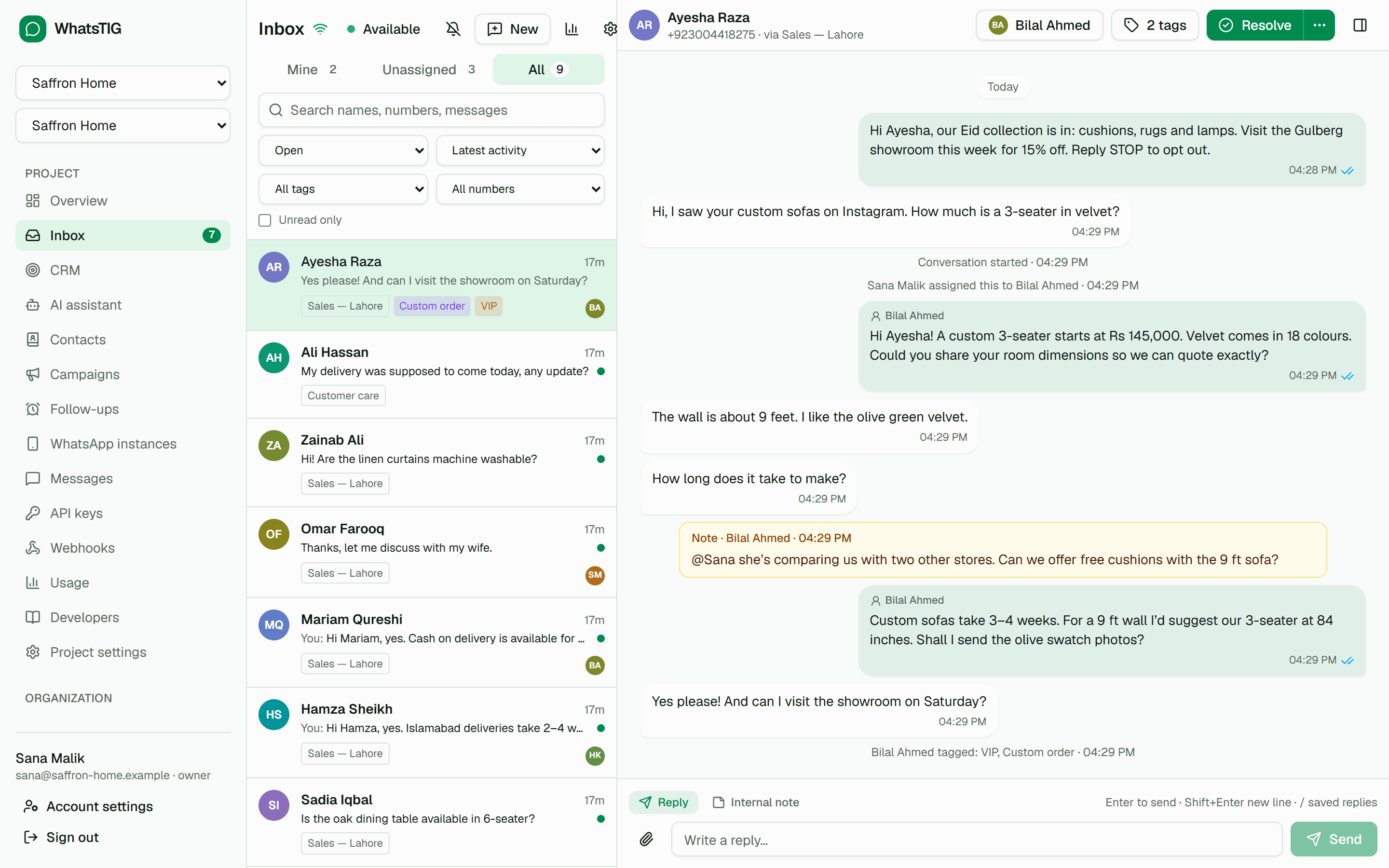
Team inbox
What you get
- Assignment and auto-assignment
- Take conversations yourself or let round robin or least-busy assignment pick an available agent, with an optional cap per agent.
- Internal notes and mentions
- Switch the composer to an internal note your customer never sees, and @mention a teammate to bring them in.
- No double replies
- See when a teammate is viewing or typing. If someone answered while you were writing, the inbox asks before sending yours.
- Saved replies
- Type / and a shortcut to insert a saved reply, personalized with the contact’s first name.
- Business hours and away messages
- Set your hours and time zone; an away message answers outside them, at most once every 12 hours per conversation.
- Response-time targets
- First-response and follow-up reply targets, optionally in business hours. Overdue conversations are flagged and the assignee is notified.
- Agent role and seats
- Invite agents who see only the inbox, never API keys, webhooks, billing or the raw message log.
- Reports
- Opened and resolved conversations, first-response and resolution times, target attainment, a per-agent table and busiest hours. Export to CSV.
- Desktop notifications and shortcuts
- Get notified about new messages, mentions and assignments, and work from the keyboard with j, k, e and a.
How it works
- 01Turn on the inboxRecent conversations are imported as resolved, so their history is there when people write again.
- 02Give your team seatsAssign seats to the people who answer, or invite agents who only see the inbox.
- 03Work in viewsMine, Unassigned and All, with filters for status, tag, team, number and unread.
Plans
Which plans include it
Replies sent from the inbox count toward your monthly messages like any other message.
Free
$0
Not included
Starter
$19 / mo
- 3 seats
- 30-day message history
Business
$99 / mo
- 15 seats
- 90-day message history
Enterprise
Custom
- Unlimited seats
- 180-day message history
Documentation
Works with
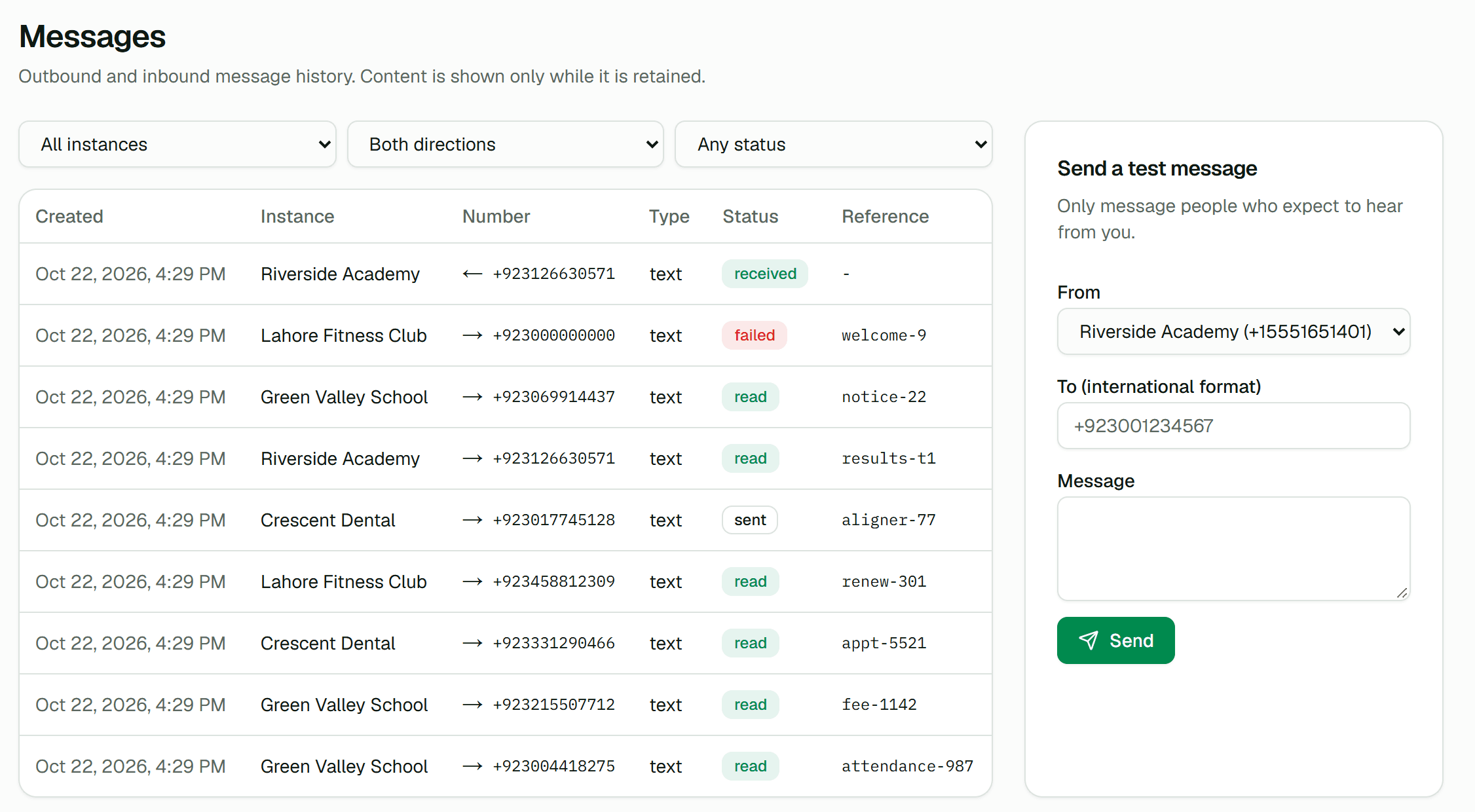 Messaging API & webhooksSend and receive WhatsApp messages from any application.
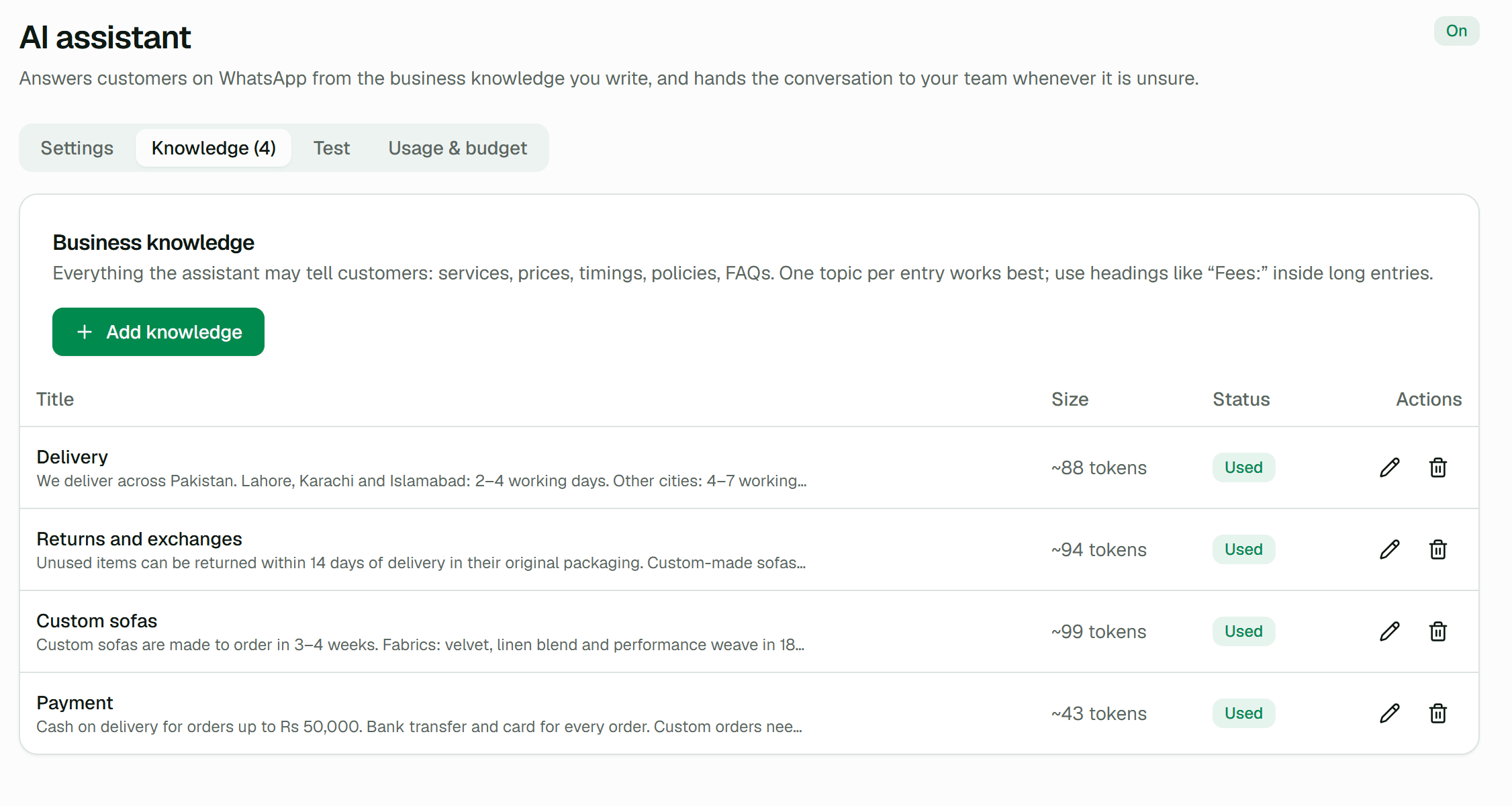 AI assistantAnswer customers instantly from your own business knowledge.
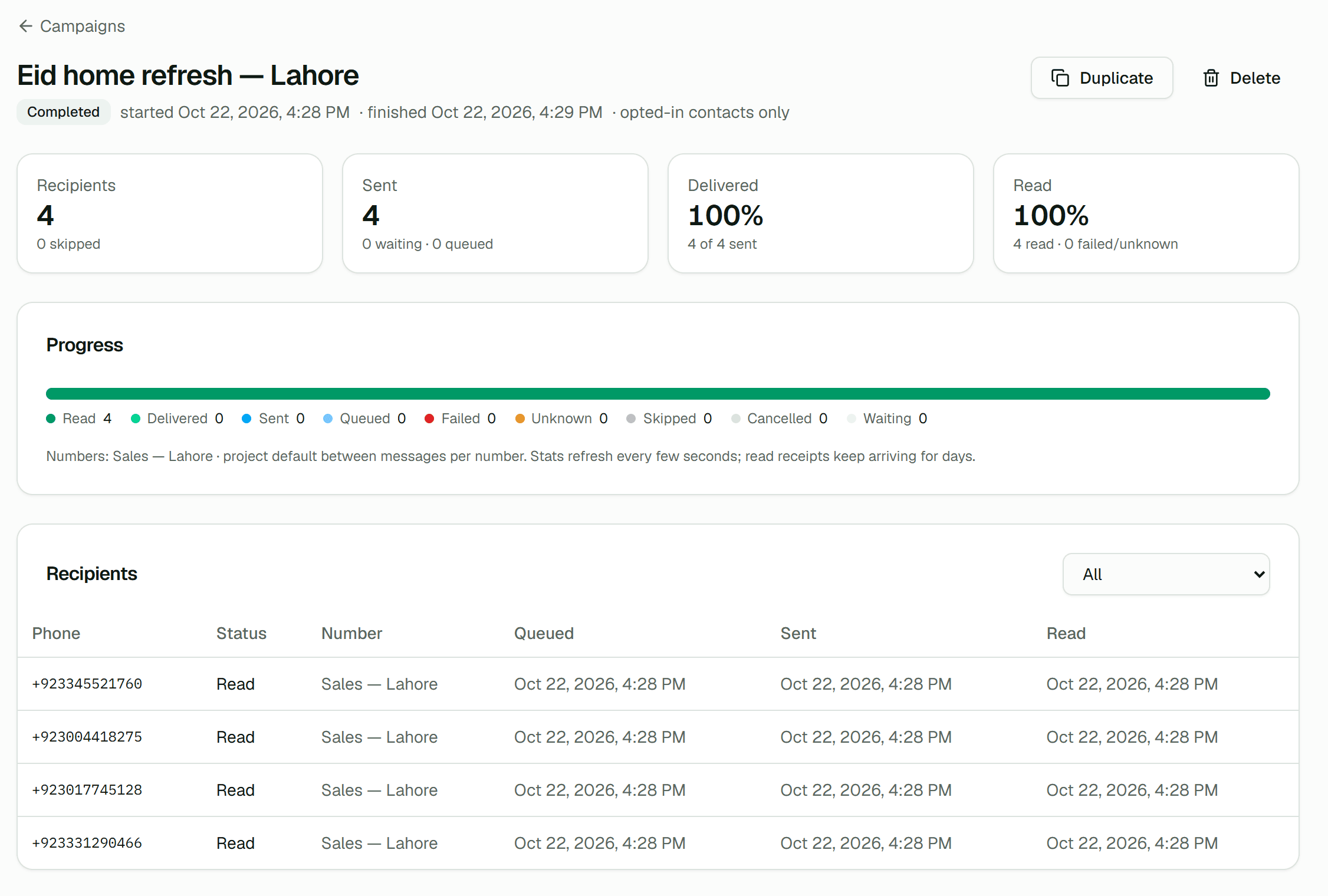 Contacts & campaignsSend personalized, consent-based messages to the right audience.
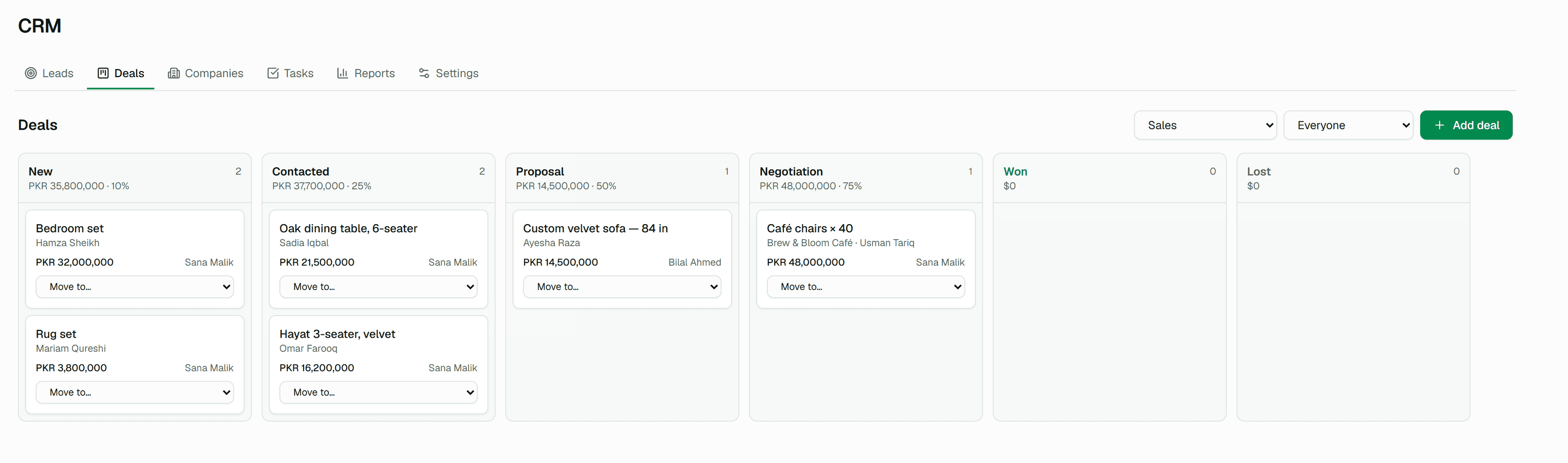 CRMTurn WhatsApp conversations into qualified leads and won deals.
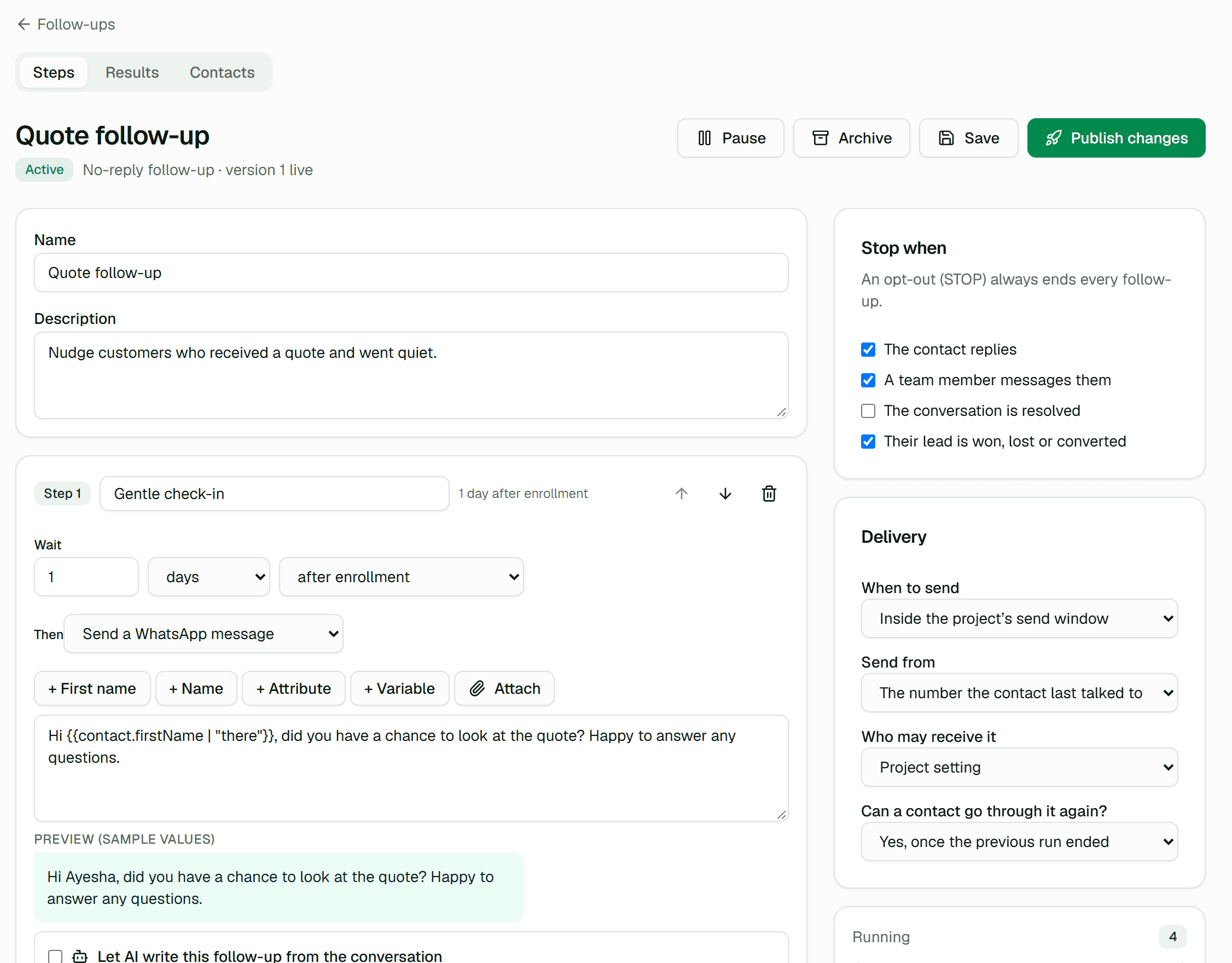 Follow-ups & remindersFollow up automatically, and stop the moment they reply.
Get started
Link a number. Send the first message. Bring your team in when you are ready.
The free plan includes the full API, webhooks and dashboard. Paid plans are activated by our team on request.